
The Sense home energy monitor is a measuring device plus an app that shows how much electricity a home is using, close to real time. Sense says it delivers real-time intelligence through the Sense Monitor and through next-generation smart meters, and that its iOS and Android app helps people make better use of energy, lower electricity bills and reduce their carbon footprint. [1] Like home energy monitors generally, its job is to inform and manage power consumption, not to supply power. [2]
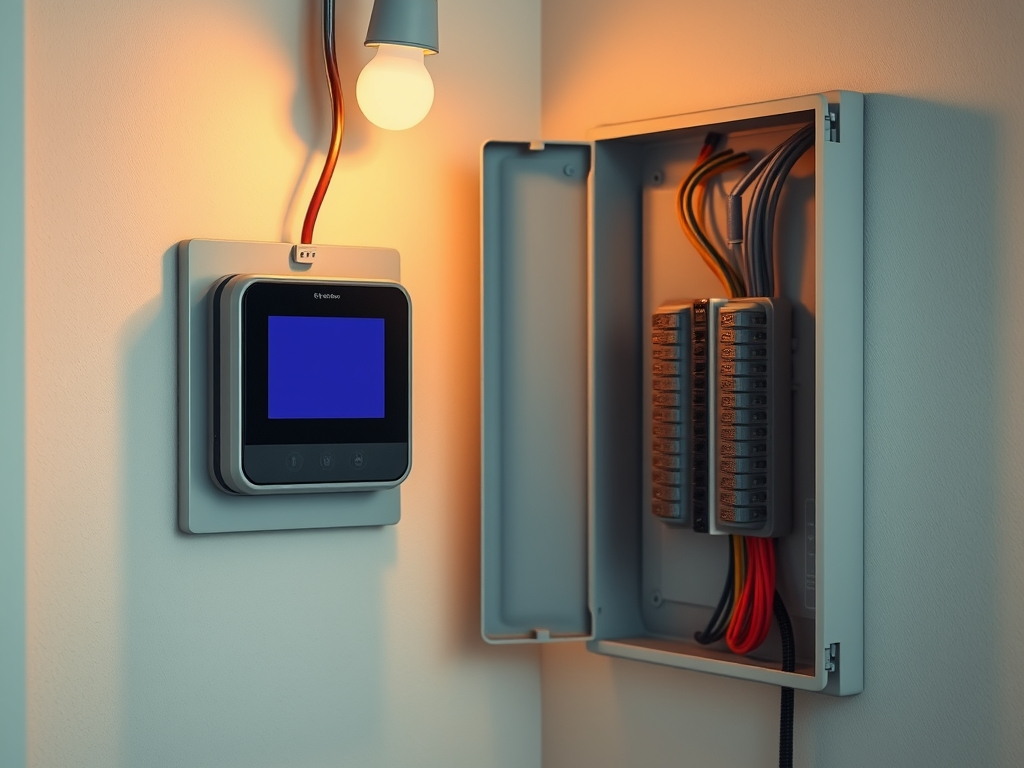
What the Sense monitor actually does
Sense’s public pages put the emphasis on data and software rather than on a parts list. The company describes two delivery routes: the Sense Monitor for a home, and software embedded in next-generation smart meters built by meter manufacturers it partners with. [1] The consumer-facing side is the iOS and Android app, which Sense says makes homes smarter and helps people get more out of their energy use. [1]
Sense was founded in 2013 and began by introducing home energy monitors to homeowners before expanding into utility work. [1] The same site markets the company to utilities, promising grid-edge intelligence, real-time visibility and customer engagement. [1] For a buyer, the practical takeaway is that the company sells to homes and to utilities, so the equipment and app features offered to individual homeowners are worth checking directly with the company at the time you buy.
How a home energy monitor measures your electricity
Home energy monitors generally consist of a measuring component and a display component. [2] Electricity use is measured in one of several ways: an inductive clamp placed around the electric main, an optical port on the electric meter, sensing the meter’s actions, communicating with a smart meter, or a direct connection to the electrical system. [2]
The display can sit apart from the sensor and communicate by cable, network, power line communications or radio, and online displays let you see near real-time consumption in a browser or app. [2] Which method a product uses decides where it gets installed and what it can see, so it is the first thing to ask about.
What it can tell you, and what it cannot
A typical monitor shows the amount of electricity used, and may also show the cost of energy used and estimates of greenhouse gas emissions. [2] A monitor that clamps the electric main reads total household consumption, so the number on screen is the same pool of power a battery, generator or solar array has to cover.
What it cannot do on its own is tell you which appliance is responsible unless the software separates loads. Sense’s pages describe high-resolution insights that improve energy management [1]; if appliance-level detail matters to you, ask the company what its app displays before you order.
What Sense says about savings
Sense lists an average annual energy savings figure of 4-8%, and says its approach delivers three times the demand savings of leading behavioral demand programs and 30 times the user engagement of utility customer portals. [1] Those are the company’s own figures about its own results.
Research on home energy displays more broadly has found reductions in home energy use of 4-15%, and a Hydro One study in Ontario reported an average 6.5% drop in total electricity use compared with a control group. [2] Those studies cover the category, not this product specifically, so treat them as context rather than a promise for your house.
Does it help with solar, batteries or EV charging?
A monitor that reads the main tells you total consumption, which is exactly the number you need to size a battery or generator, or to judge whether a solar array is covering the load. What the app separates out — solar production versus grid import, or an EV charger’s draw — depends on the product, so confirm what the app reports for your setup with the company.
Sense describes its software as working with smart meters and utility partners; it is a measurement and insight layer, not a substitute for a battery or a backup system. [1]
Model numbers, bundles and installation
If you have seen a specific model designation quoted, such as SM3, verify it with Sense before ordering. The company’s public pages describe the hardware as the Sense Monitor and describe software embedded in smart meters, rather than listing a model catalog. [1]
Installation follows from the measurement method. Some monitors need a clamp around the electric main, which means work inside the electrical panel; others take their data from the utility meter. [2] Check with the manufacturer on what installation involves, and use a licensed electrician for any panel work.
Sense and Emporia side by side
| Brand | What they offer | Worth knowing |
|---|---|---|
| Sense | Real-time energy intelligence through the Sense Monitor and through next-generation smart meters, with iOS and Android apps [1] | Sense quotes 4-8% average annual energy savings and says it works with meter manufacturers to embed its software in smart meters [1] |
| Emporia | Presents its offering as smart home energy management made easy [3] | Ask Emporia directly for its current product list, specifications and compatibility details before buying |
Which option fits whom
If your utility is rolling out smart meters and you would rather have the data come from the meter than from a box in your panel, Sense’s utility-side route is the one its site describes [1]. If you want hardware in the home, the Sense Monitor is the route the company names for homeowners [1].
If you are still comparing, read what Emporia publishes about its own products and ask about the details that matter to you — what is measured, what the app shows, and what installation involves.
If your real goal is riding out an outage, keep the roles separate: a monitor is a measuring tool, not a power source [2]. The consumption numbers it reports are what you would use to size a battery or generator, and those numbers are also the honest starting point for cutting a bill.
If you rent, or cannot get access to the electrical panel, check the measurement method before buying. Meter-based measurement and panel-clamp measurement have different access requirements [2], and a product that needs panel work may not suit your situation.
Confirm current product details, compatibility and installation requirements on each brand’s site before you buy.
Sources
- Sense official site — sense.com
- Home energy monitor (Wikipedia) — Wikipedia
- Emporia official site — emporiaenergy.com
How we put this together: we compared these options using each brand's published product and policy pages and the references listed above. We haven't tested the products ourselves, and details such as prices and policies can change, so check the brand's site before you buy.